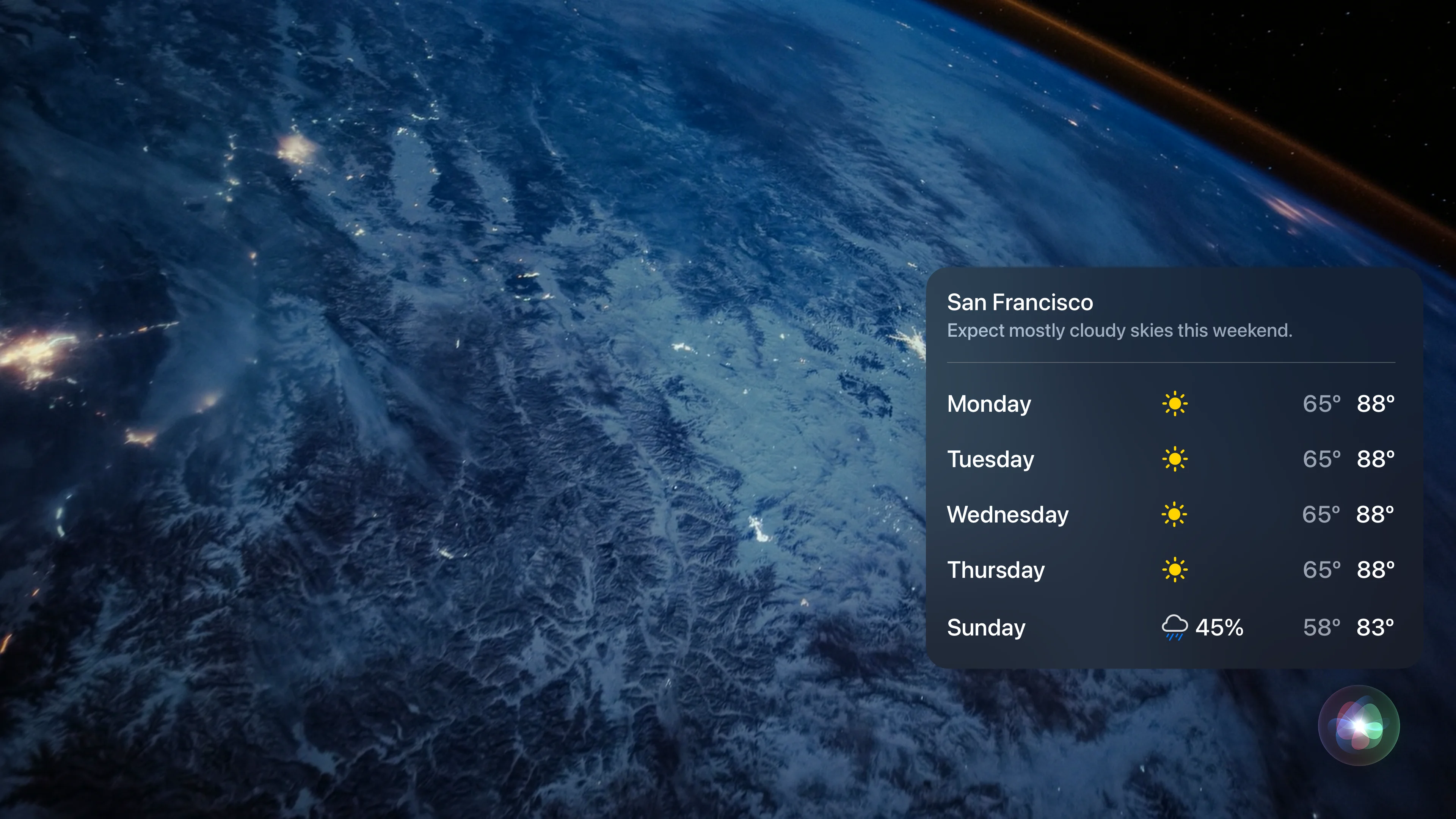
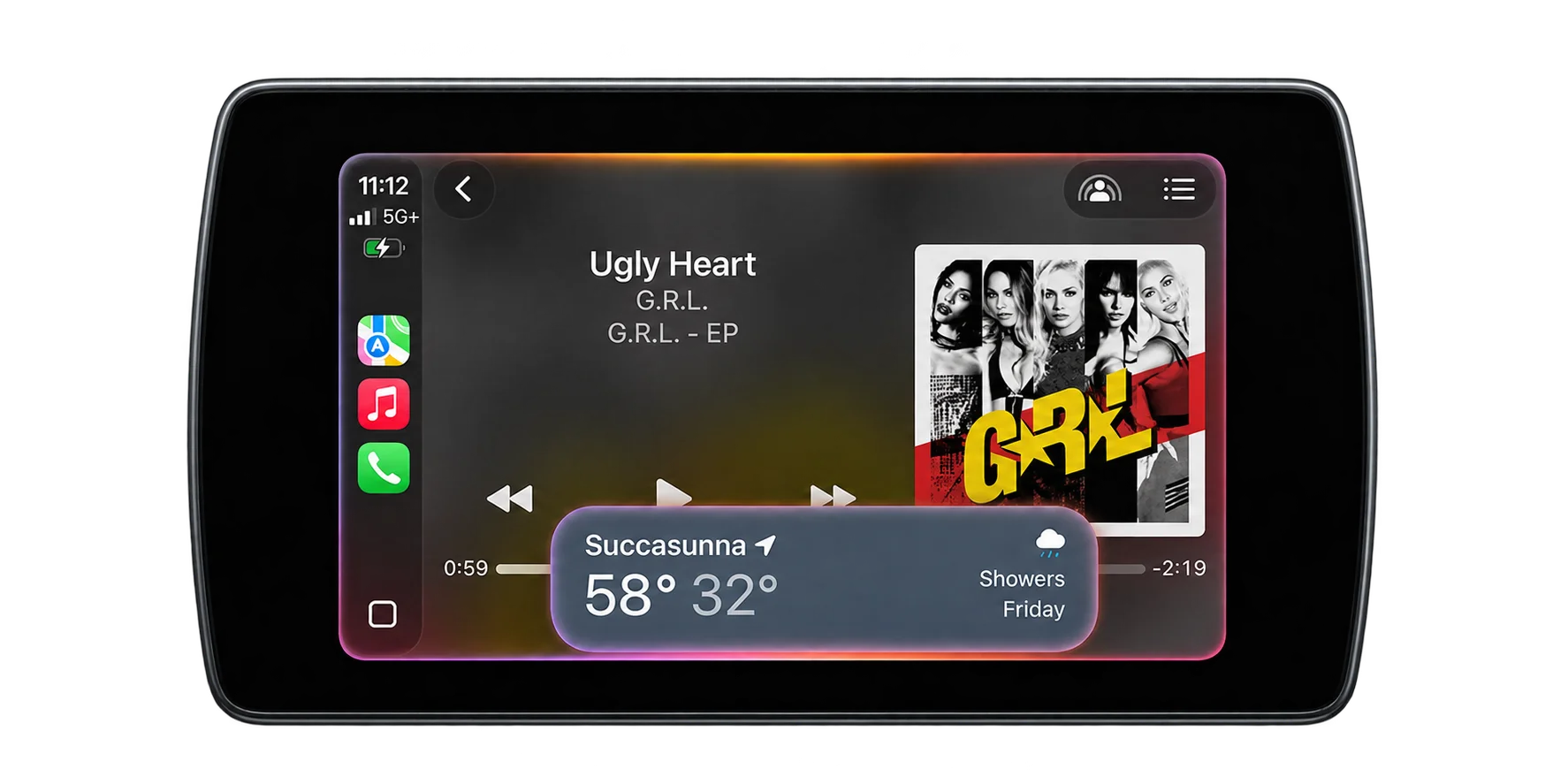
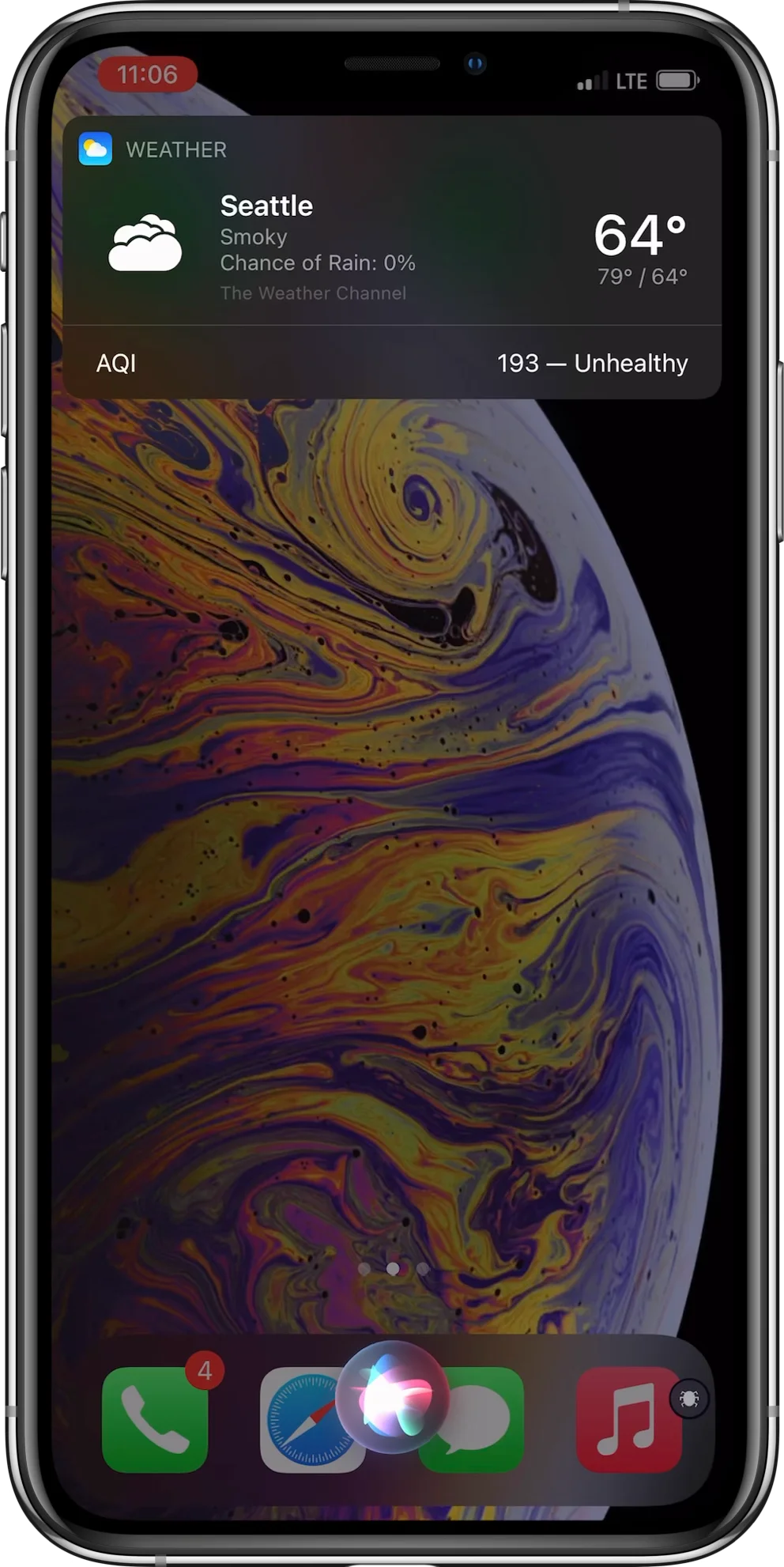
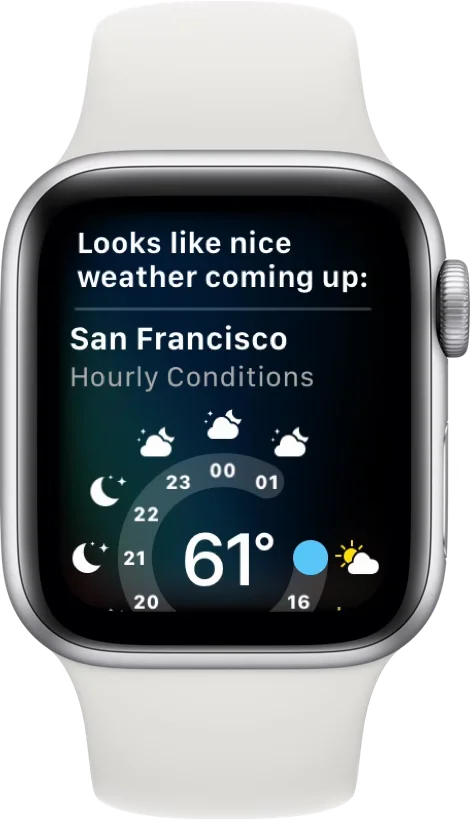
I led Siri Weather design for 4 months, where my focus was to improve overall domain logic alongside delivering Severe Weather Alerts and Air Quality Index.
Domain Quality Improvements
Weather is one of Siri’s highest-traffic domains. Users expect accuracy amidst changing data and weather patterns alongside easy-to-understand dialog and UI. As the domain lead for 4 months, I worked closely with engineering to improve coherence between the Siri experience and the Weather app, adding functionality so that users can ask Siri for specific weather data, and improving dialogs for clarity and brevity over personality.
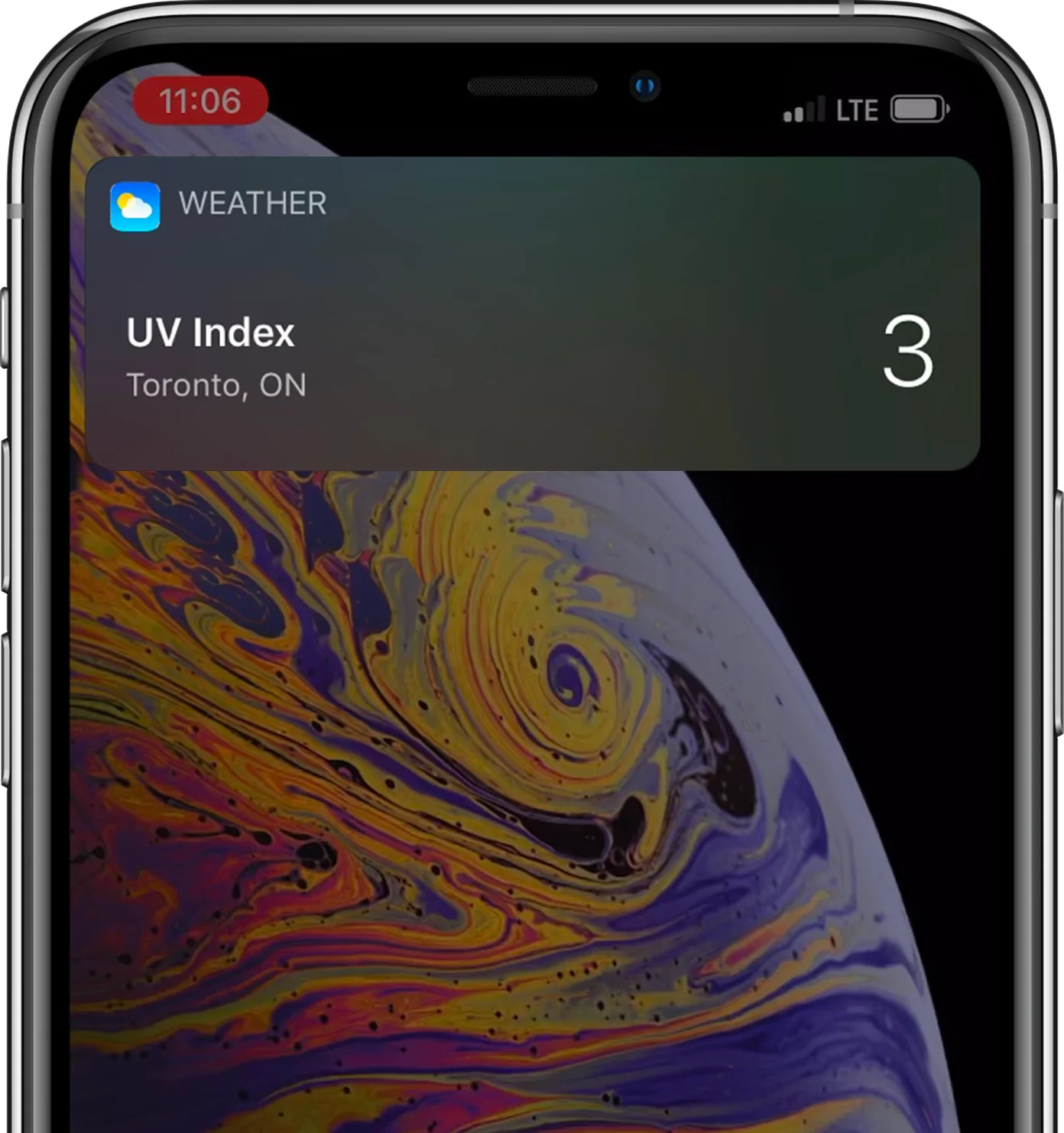
Ask Siri for precise weather information
With weather getting more severe around the globe, it was imperative that Siri could retrieve individual pieces of weather data and show them clearly. For iOS 14, the Siri weather engineering team and I added support for precise weather data like wind speed, UV index, chance of rain, and more.
“...Don’t forget to bring your sunscreen. It’s going to be hot out.”
“...you may want to pack your umbrella.”

Prioritize clarity and brevity over personality
I took out all of Siri’s ‘personality’ dialogs because quickly changing weather patterns could render these suggestions unhelpful, and also without personalization, Siri could be alienating users who don’t agree with its suggestions.
Severe Weather Alerts & Air Quality Index
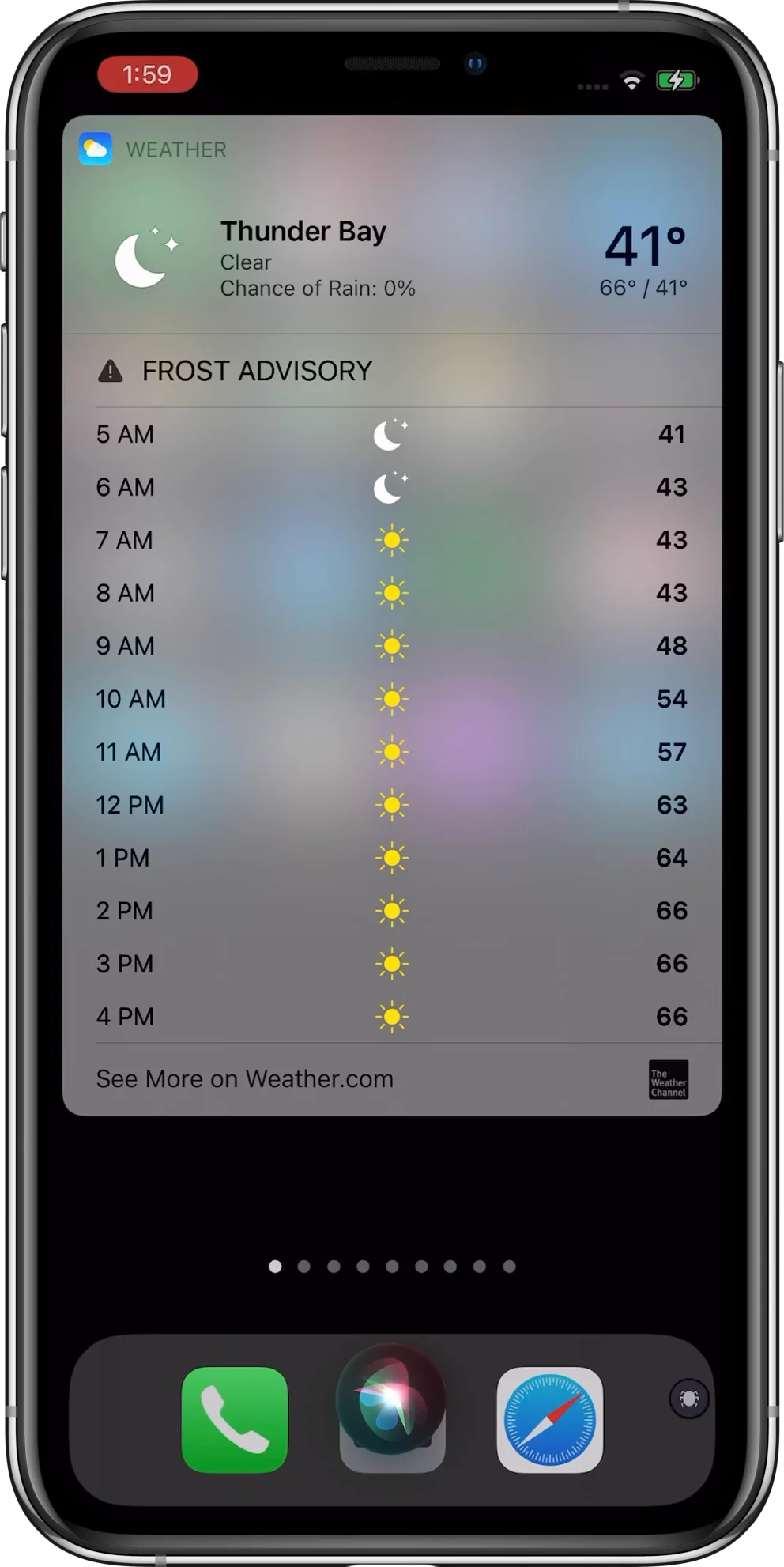
If there’s any data point that Siri has to get right, it is severe weather alerts. This feature coincides with Apple introducing precise location, which my team and I utilized to refine Siri’s dialog to stress importance and relevance.
“There’s a Frost Advisory in your area. It’s currently 41 degrees in Thunder Bay. Expect sunny skies with a high of 63.”
Delivering health and safety information within Weather
Adding contextual and timely warnings in weather dialogs and visual snippets.
Dialogs that convey authority and trust
Along with the Weather data team, I established a framework to categorize all warnings in supported locales from 0 to 2 to determine the level of Siri response:
Unimportant. Omit from Siri.
Important. Short dialog, always show in UI.
Critical. Always lead with a credible weather source. Use precise information whenever available to show and speak information.
The more critical the warning, the more detailed information Siri will gather to inform the user.
“There’s a Frost Advisory in your area.”
“It’s currently 41 degrees. Today’s high is 55.”
“The National Weather Service has issued a Hurricane Warning.
...in your county.
...An evacuation response is in place.
...It’s predicted for around 4PM.
It’s currently 41 degrees.”
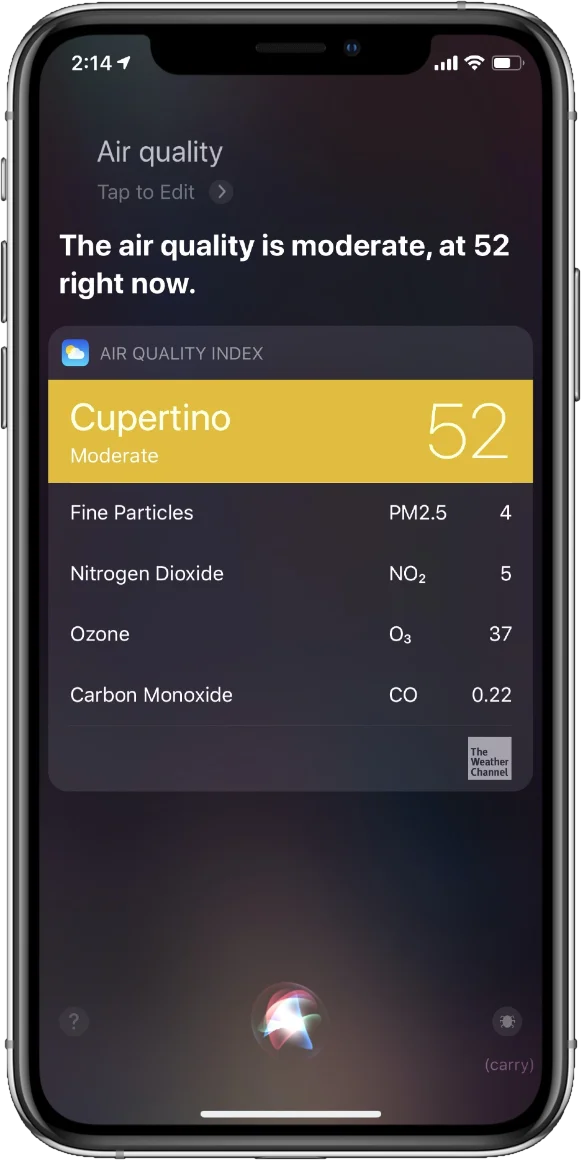
Proactive poor air quality information
Whenever the air quality is above the level of ‘moderate’ (in the US, that is ‘Unhealthy for Sensitive Groups’), Siri will show and speak air quality in general weather requests.